Games for PC
Find classic Windows PC games with clear file details, download routes, system requirements, setup notes, and common fixes before you install.
Featured PC games
Choose a game to check file details, PC requirements, download options, and setup notes.
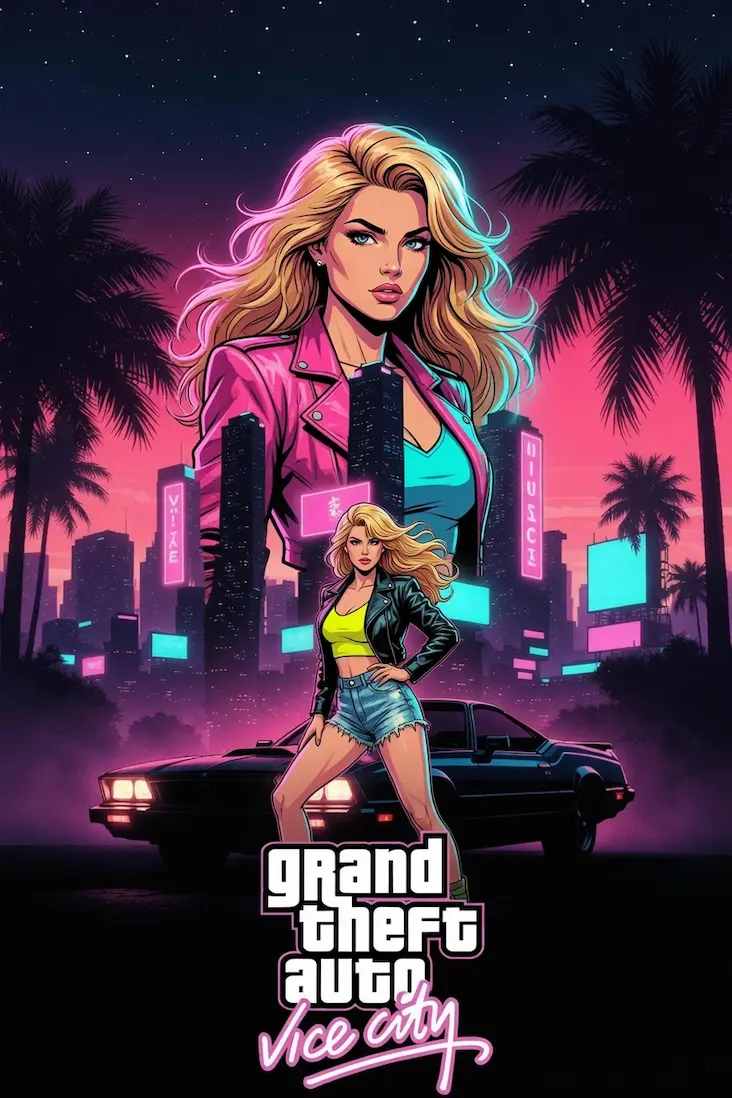
Play Tommy Vercetti's Vice City story, check the file size, review PC requirements, and open the download page.
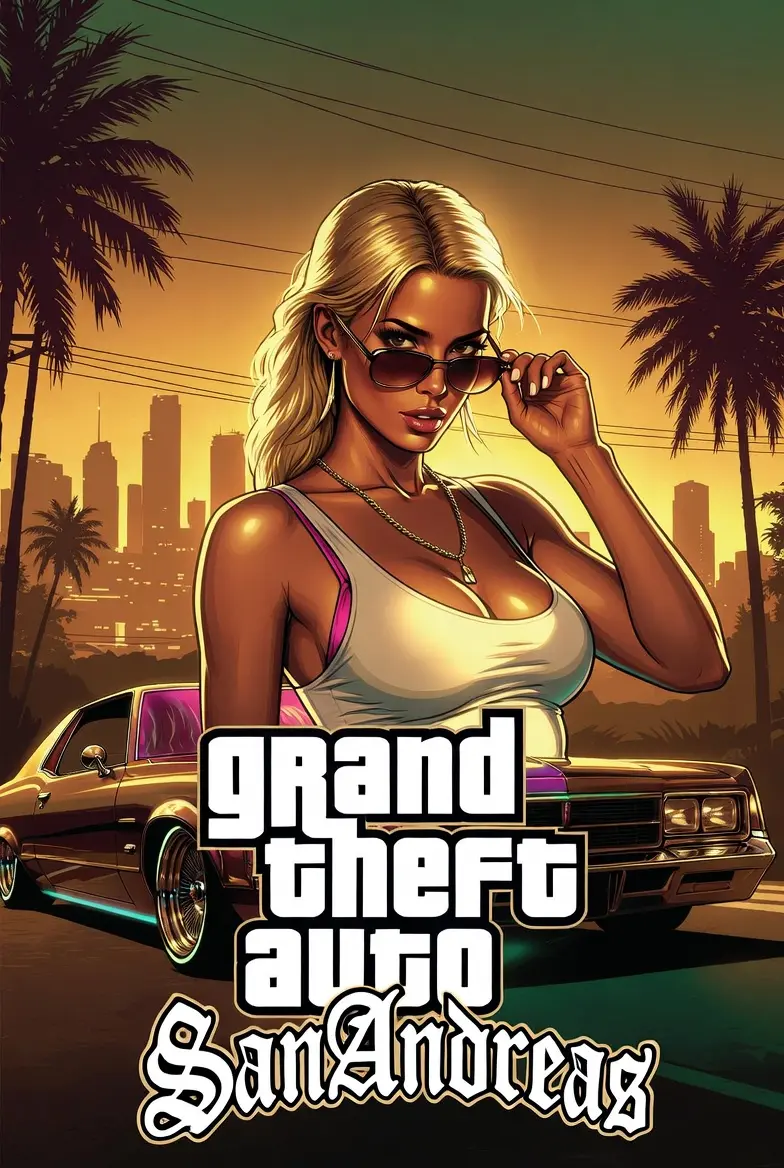
Download GTA San Andreas directly, check classic PC requirements, and review setup notes before launching.
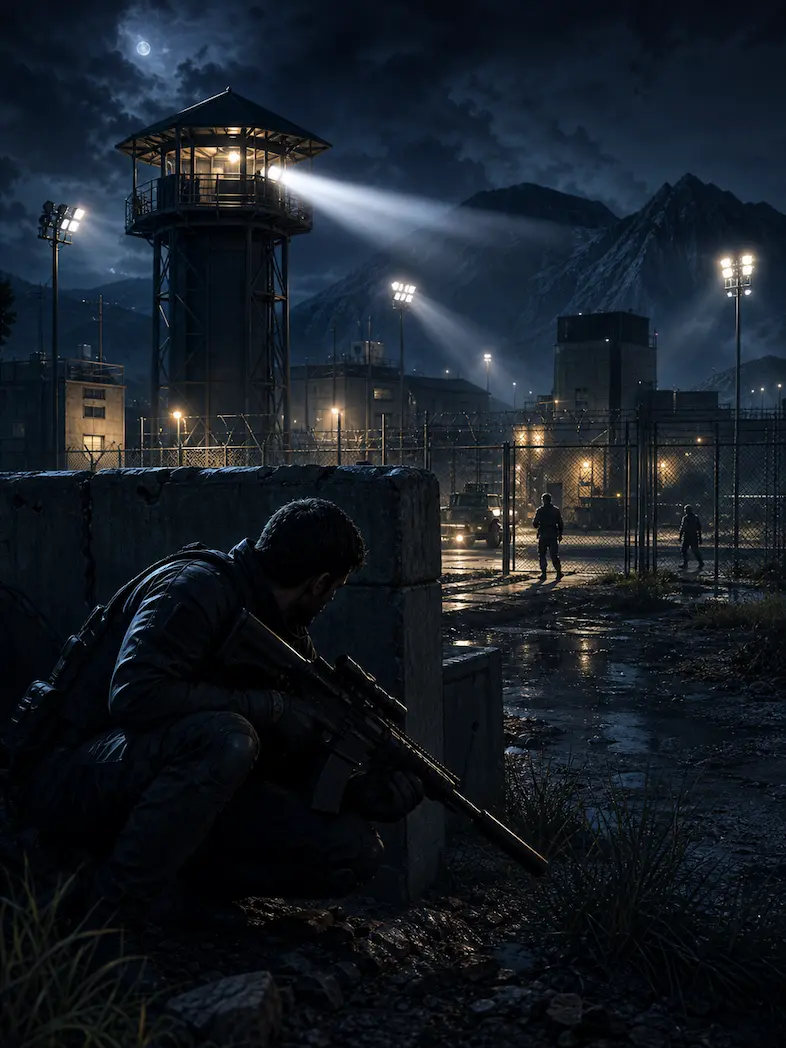
Download the IGI 2 demo, read mission details, check PC requirements, and fix common launch issues.
What To Check First
Check the file size, platform, version, mode, and whether the download is a demo or a classic PC package before you click.
Older games are usually lightweight, but RAM, graphics, storage, and Windows compatibility still matter.
Older games may need administrator launch, compatibility mode, extracted ZIP files, DirectX components, or display adjustments.
Before You Download
- Check the file size and keep enough free storage for the download, extracted files, saves, and setup folders.
- Check whether the download is a full classic PC package, a demo package, or a separate download page.
- Use a simple folder path such as Games or Classic Games instead of installing into a protected system directory.
- Scan downloaded files before running installers or executable files from the web.
- Use compatibility mode if an older game does not launch correctly on Windows 10 or Windows 11.
Quick links
FAQ
Yes. The games listed here are covered for Windows PC, including requirements, setup notes, and compatibility tips.
Some games have a direct download button on the game page. Others open a short download page with file details and requirements first.
Yes. Older games are usually lightweight, but modern Windows systems may still need compatibility settings or extra runtime files.
Disclaimer
GamesForPC.org is an independent fan-made resource for classic PC game information. It is not affiliated with, sponsored by, or endorsed by any game publisher mentioned here.
All trademarks, logos, game names, and related assets belong to their respective owners. Any download, installation, or system change is done at your own discretion and risk.